Scammers call. Your phone answers
before you do.
Call Guard blocks known scam numbers, filters scam texts, and lets an AI screener take the calls you don't recognise - ending them the moment someone asks for your Social Security number or bank details.
Screens from the app, shown with demo data.
Protection that starts before you pick up.
Scam calls blocked or labelled
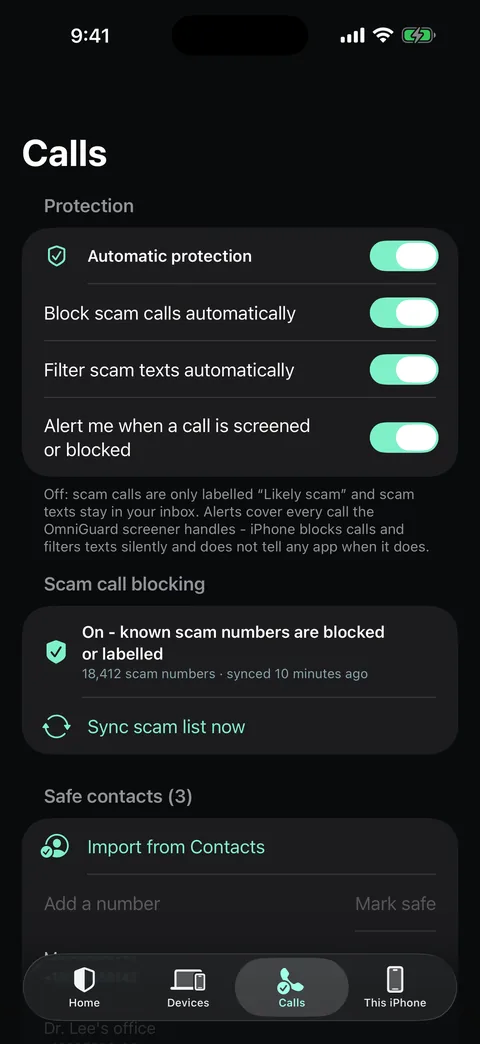
Known scam numbers - from public FCC complaints and OmniGuard user reports - are blocked, or shown as "Likely scam" if you prefer labels.
Scam texts filtered into Junk
Fake deliveries, unpaid tolls, "your account is locked", prizes, job and crypto offers. Texts are checked on your iPhone and never sent anywhere.
Safe contacts always ring
Import from Contacts or add a number. Safe numbers are never blocked, and leave your iPhone only as salted hashes.
An AI screener for unknown callers
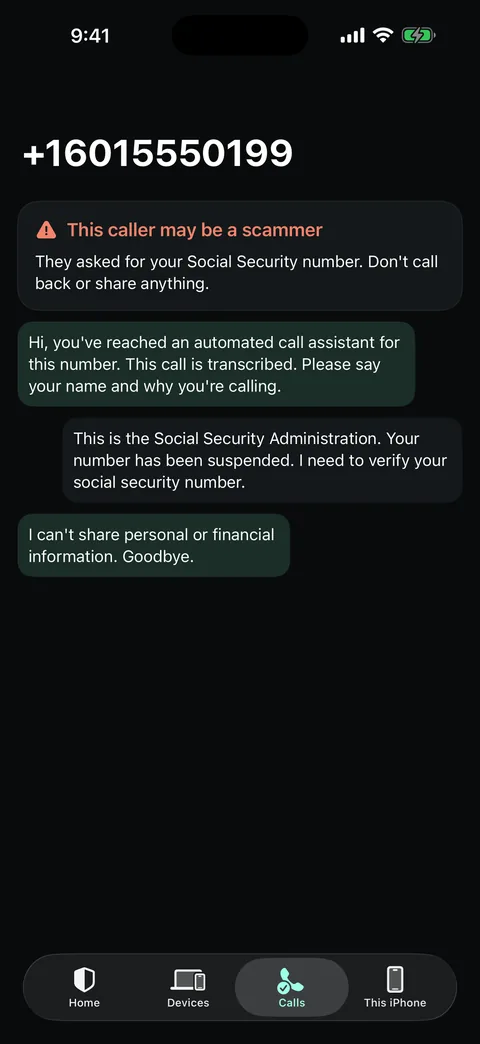
Forward the calls you don't answer to your screener number. It says it is an automated assistant and that the call is transcribed, asks who is calling and why - and hangs up on anyone asking for your SSN, bank details, gift cards or a code.
Follow the call live
Watch the transcript as it happens, get an alert to ignore a likely scammer, and end the call from the app.
Your computers, in your pocket
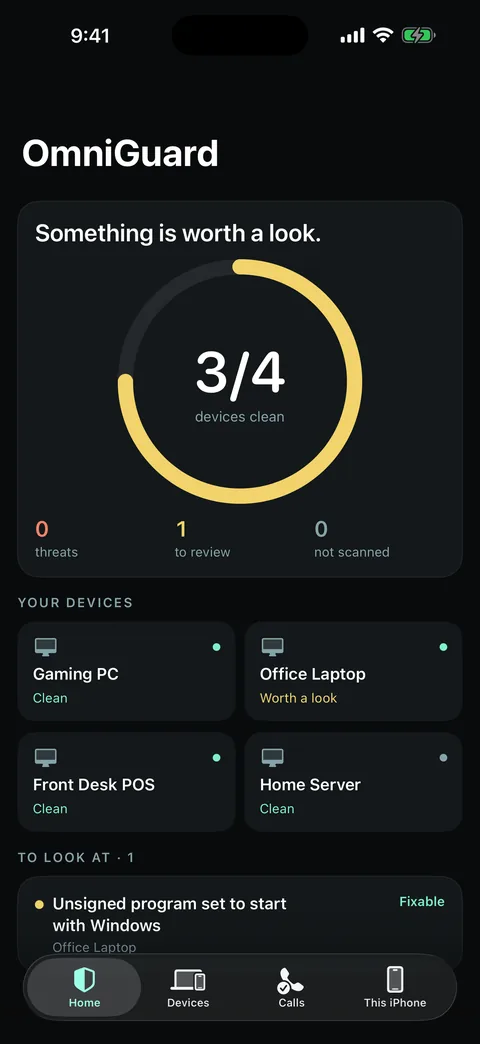
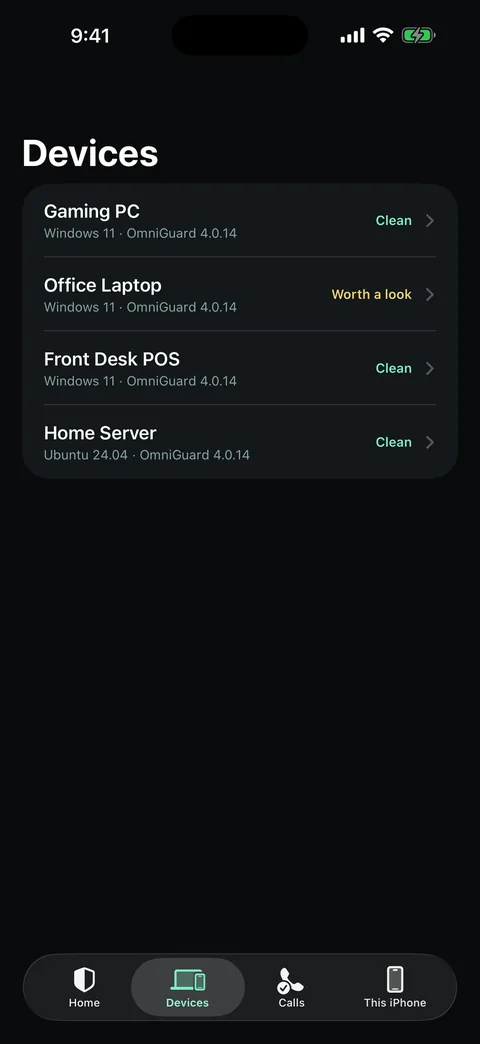
Every PC on your OmniGuard account at a glance. Start a scan and apply OmniGuard's fixes from your phone.
What iPhone does not allow: no app can listen to a call you answer, and iOS blocks calls and filters texts silently without telling the app. So OmniGuard protects you before you pick up - and the screener only ever hears calls you forward to it. The screener needs a screener number on your account and carrier call forwarding.
Get one email when it's on the App Store.
That's the only email this list sends. Your address is not shared.